The situation at a glance
In the cockpit, signals from sales, retail, warehouse and purchasing come together as traffic lights, with red signals first.

Features · Reports
How are sales going, where is margin falling, what is stuck in the warehouse? Workspace analyses the work your team does in the system every day. For every signal, you see the values that triggered it, and one click takes you to the area where your team clears up the cause.
In the cockpit, signals from sales, retail, warehouse and purchasing come together as traffic lights, with red signals first.
All key figures come from quotations, orders, stock movements and purchase orders in the same system. If a source is missing, the cockpit says so openly.
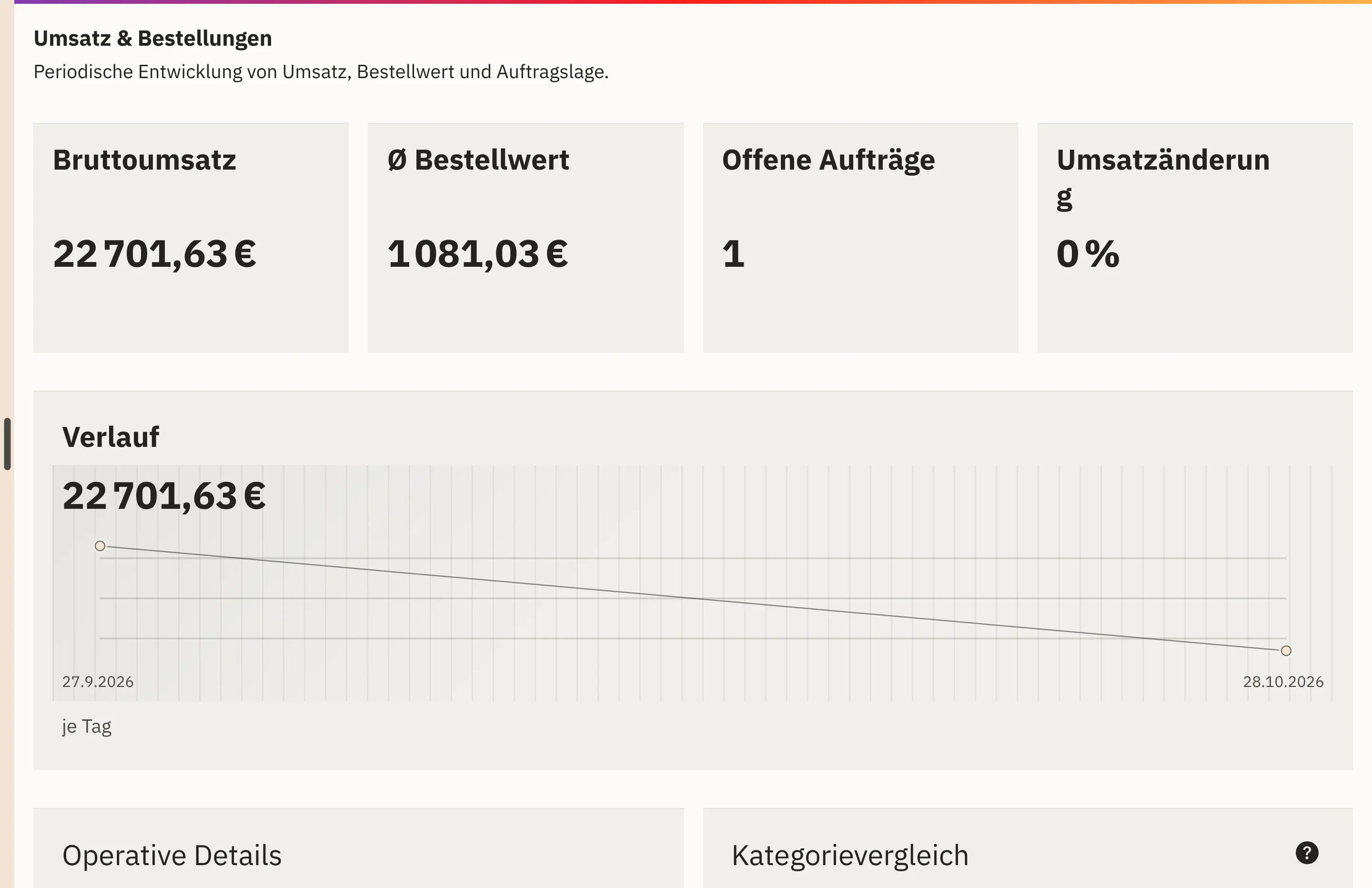
Shop-Puls shows basket, order and payment as near-real-time signals. You can compare any period with the previous one.
Whatever needs doing gets a responsible person and a due date. When the data improves, the signal disappears by itself.
You open the cockpit and see the situation as traffic lights, with red signals first.
A recommendation shows the area affected, the values that triggered it and measures you can review or delegate.
Whatever needs doing gets a responsible person and a due date.
When the data improves, the signal disappears by itself.
In the cockpit, signals from sales, retail, warehouse and purchasing come together, each as a traffic light: no issues, follow up or decide.
Four reports show pipeline and opportunities, forecast and targets, deal quality with win rate, cycle time and loss reasons, and team performance. You can narrow them down to one person or one team.
Revenue, cost of goods, contribution margin and margin per period. If a purchase price rises later, the margin on past sales stays as it was.
Basket, order and payment in your online shop as near-real-time signals, for the last 24 or 48 hours if you wish.
Payments, order processing, returns and the delivery of your documents as reports covering the last 30 days or a period of your choice.
Page views, campaign clicks and orders generated by a promotion. With campaign costs stored, you see cost per click, cost per conversion and the return on your advertising.
A dedicated report shows which products still need details before they are published to a channel.
You can compare any period with the previous period or the same period last year.
Your online shop in near real time, plus revenue, margin, payments and returns over any period.
View Shop-PulsWeighted pipeline, forecast alongside actual revenue and four sales reports for your team.
View sales reportsStock turnover, low and slow-moving stock and your suppliers’ delivery reliability.
View warehouse key figuresCampaign returns, delivery of your newsletters and response times in customer chat.
View marketing reportsEvery key figure comes from the data your team works with: quotations, orders, stock movements and purchase orders in the same system. If a source such as your accounting is not yet connected, the cockpit says so openly and does not estimate a figure.
For the website and campaigns, Workspace stores no IP addresses and no browser fingerprints. It assigns orders to a promotion via the basket, without any visitor profile.
Pipeline, forecast and targets flow from daily sales work straight into the reports.
View sales and customersYour online shop feeds orders, payments and campaign success into the same reports.
View ShopcloudIf a role needs its own key figure dashboard, we build it on your data in Workspace.
View developmentFrom daily work in Workspace: sales, retail, warehouse, purchasing and your online shop share one data set. Nobody has to export or reconcile anything.
Yes. You can compare every report with the previous period or the same period last year.
Yes, as soon as accounting, bank data and open items are connected. We clarify the connection with you.
Yes. For a role that needs just a few figures and warning signals, we build a dedicated dashboard on your data in Workspace.
We give you the price in an offer, because it depends on the scope, such as the areas used and the storage. We will publish fixed prices once they are set.
Tell us the key figures you want to see every Monday. In a demo, we show you where they are in Workspace and which cases lie behind them.