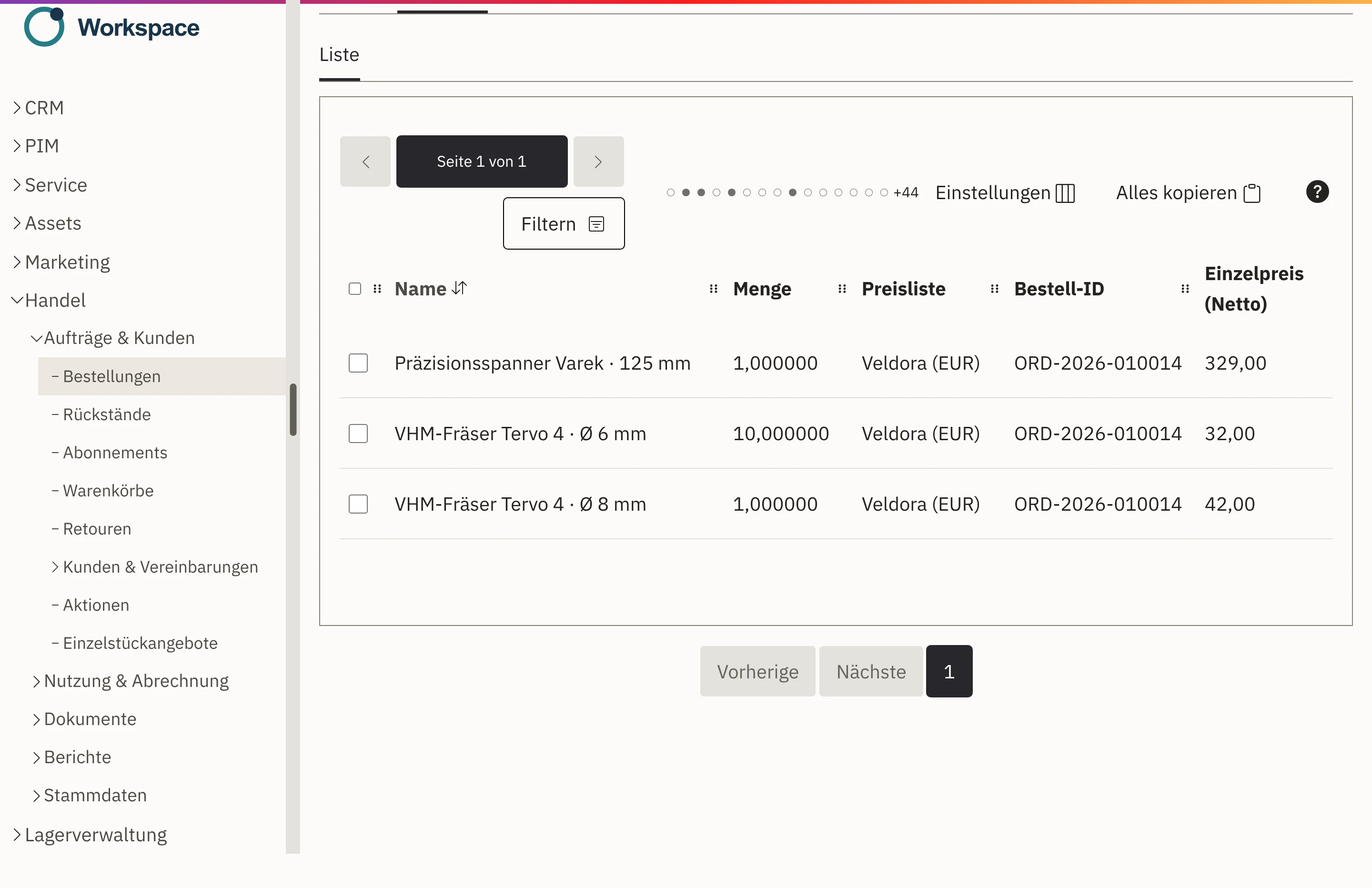
Orders arrive complete
The order is created from the shop checkout or an accepted quotation, with customer, line items, prices and addresses.

Features · Order processing
Whether the order comes from your online shop or from an accepted quotation, in Workspace it runs through clear steps. On every order, your team sees how far it has got and what comes next. If a customer asks, any colleague can answer straight away.
The order is created from the shop checkout or an accepted quotation, with customer, line items, prices and addresses.
The header of every order shows the next step. Your whole team can see where it currently stands.
For payment in advance, Workspace only releases the shipment once receipt of payment has been confirmed. Purchases on account go straight to the warehouse.
If an order changes, Workspace marks the old order confirmation as outdated. You send the new version to the customer again.
The order is created in the shop checkout or from an accepted quotation, with customer, line items, prices and addresses. Your customer immediately receives an acknowledgement by email.
Your team checks line items, prices, tax and shipping and approves the order. The order confirmation goes as a PDF to the right contact person.
The payment method determines the next step: for payment in advance, the shipment waits for the payment to arrive; for purchase on account, the order goes straight to the warehouse.
After goods issue, your customer receives a shipping notification, and you create the invoice from the same order.
The header of every order shows what needs doing next. If a detail is missing, Workspace names the reason and takes you straight to the right place.
An order changes its status through the intended actions, so every step is taken deliberately and remains traceable later. Everyone on the team sees where it stands.
If the order changes after confirmation, Workspace marks the existing version as outdated. You generate the new one and send it again.
For payment in advance, your team confirms receipt of payment on the order, and only then does Workspace release the shipment.
Your customer’s order number appears on the order confirmation, delivery note and invoice, so their accounts department can find every document again.
Which document went to whom, and when? It is all on the order.
Cancellations, returns and credit notes run as separate steps. Saved prices stay as they are. The path of the correction remains visible.
The order from your online shop is the same case your team continues to work on. The warehouse picks from it, the invoice is created from it, and customer service answers delivery questions using the same data. There is no need for an interface between two programs in the first place.
Orders from your shop land directly in order handling with the customer’s prices.
View the online shopShipping labels for DHL and DPD are created on the shipment; returns are linked to the original order.
View shipping and returnsOrder confirmation and delivery note are created from the order, with your logo.
View documentsThe invoice takes line items, prices and service period from the order and goods issue.
View invoicing and billingFrom your online shop and from accepted quotations. If you enable it, your team can also create orders directly for special cases.
Yes. Status, next step, documents and dispatch history are all on the order. A stand-in sees the same as the colleague in charge.
In the shop: PayPal, invoice and payment in advance. Workspace takes the order forward to suit the payment method.
Workspace marks the order confirmation as outdated, and you send a new version. After shipping, you correct via cancellation, return or credit note.
We do. During implementation, we configure documents, sender details and email dispatch for you and go through the first order together with you.
Tell us how an order runs at your company today. In a demo, we show you the journey from receipt to invoice in Workspace, with sample data from retail.