

You set the rules and handovers
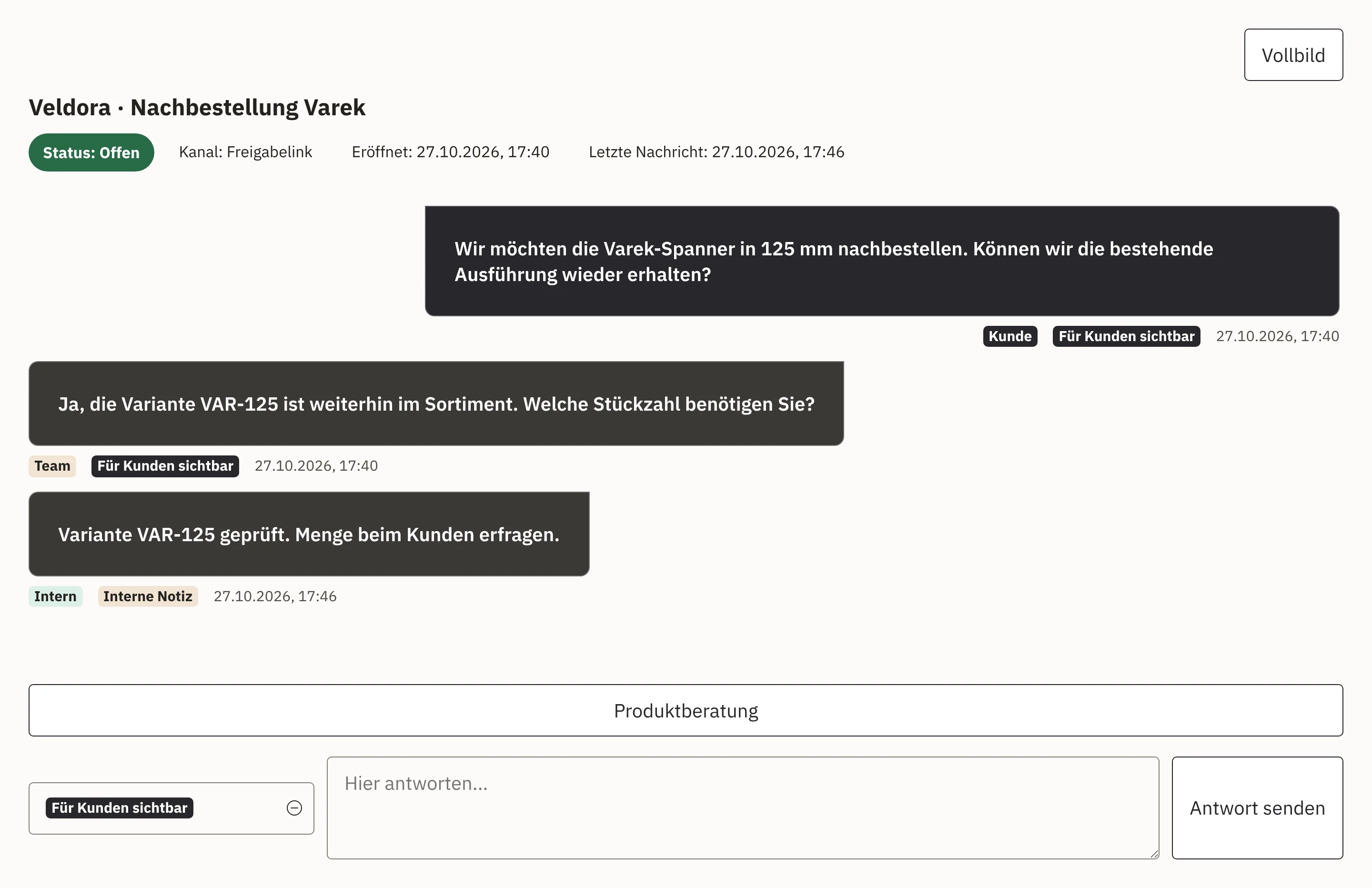
You decide which data the software uses, what it is allowed to do and when a member of staff takes over. Your team can trace how the software handled an enquiry.

Products
The same question ten times a day: where is my delivery? Your Workspace customer service answers delivery questions like this, handles approved product questions and sends existing invoices once identity and authorisation have been checked. It uses the information you have approved and carries out only the steps you have allowed. If a case needs a decision, your team receives the enquiry together with the details already gathered.
To start, we agree on the channel through which enquiries arrive, which shop we connect and which knowledge customer service uses. Our offer also describes testing, training and supported operation.
You decide which data the software uses, what it is allowed to do and when a member of staff takes over. Your team can trace how the software handled an enquiry.
With Shopcloud, customer service uses the same data as the online shop. We connect an existing shop via an interface. Together we check which data customer service needs for the agreed enquiries and which steps it may carry out in the shop. We offer a new or customer-specific integration separately.
After launch, you can have further enquiry types, rules, interfaces or channels added. We agree with you what we develop for this and how we then support the extended customer service.
Enquire about customer service
Find out more about the tasks involved under Enquiries and cases, Customer chat and Documents.
Find out more about the online shop under Shopcloud, and about the overall system behind it under Workspace.