
Features · Apps & integrations
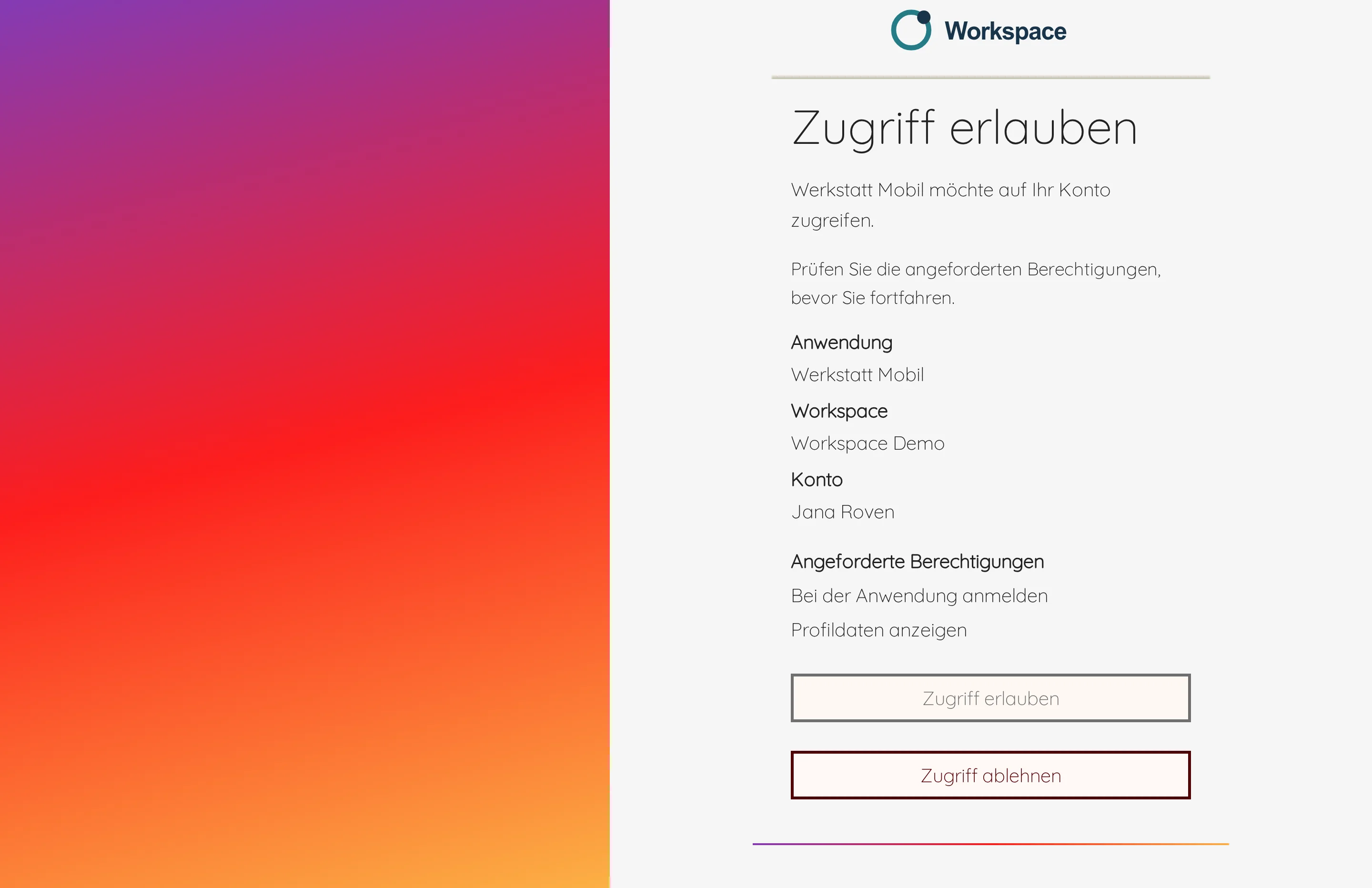
Connect your app to Workspace
Your app should send feedback, support requests and error reports straight to your team and store settings in Workspace. Instead of building a separate interface for every app, you use a fixed connection to Workspace.


Handle reports from the app
Your administrator registers the app in Workspace, and each installation receives its own credentials. Your team sees incoming reports in Workspace and turns them into tasks when needed.
If the app resends a report after a lost connection, Workspace does not create it a second time.
Before connecting
We use this connection to link schukai apps and your own applications to Workspace. You commission us to set it up or develop it. If the app is also to exchange data with your existing software, we develop that interface as a separate project. Before starting, we agree which data the applications exchange and how the process responds to errors.