One source for all channels
Approved products appear in the shop and are available for quotations and documents. They are maintained in one place.

Features · Sales
Your team maintains descriptions, attributes, variants, images and prices in one place. Whatever has been approved is immediately available for the online shop, quotations and documents, in exactly the version your team has checked. And Workspace shows what is still missing before a customer sees it.
Approved products appear in the shop and are available for quotations and documents. They are maintained in one place.
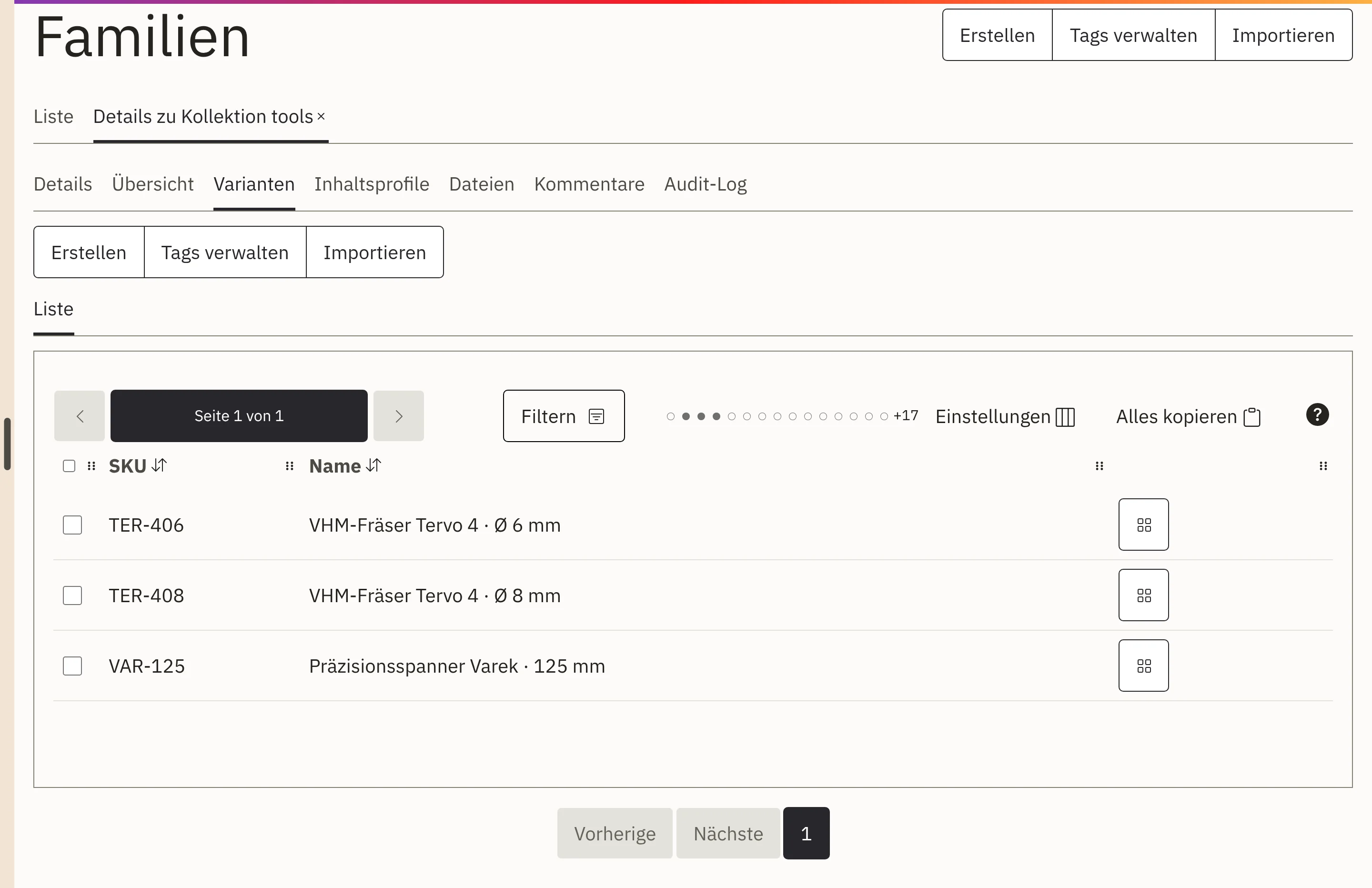
Colours, sizes and versions are attached to a product family as variants. You maintain shared texts and attributes once.
If a mandatory attribute, an image or a price is missing, Workspace shows the gap. As long as it remains open, the product stays out of the shop.
The AI suggests product texts, image descriptions and attributes. Your team sees the sources and decides on every suggestion.
Same values, same spelling. With consistent value lists, products become comparable and can be filtered both in the shop and in sales.
Your team requests publications, reviews them, rejects them with a reason, approves or withdraws them, for each sales channel individually.
You maintain EAN, GTIN, ISBN or your own industry codes separately from the item number. Search and scanners find the product by any identifier.
You define prices per price list with quantity breaks, the unit price per litre or kilogram and permitted order quantities such as 2, 4 or 8 pieces directly on the variant.
A product may be promoted in the quotation and kept brief on the delivery note. You maintain separate document texts per document type and language.
An interactive overview shows family, categories, brand, variants, versions and bundle components. One click opens the record.
Together with you, we define the structure: families, variants and attributes, suited to your product range.
Your team maintains texts, images, attributes and prices, with AI suggestions if desired.
Workspace checks completeness, and the person responsible approves the product for the desired channel.
The product appears in the shop and is available for quotations and documents.
This corresponds to product information management, or PIM for short. With us, it is not a separate product alongside the shop but the same data set. The shop, your quotations and your documents read the same product data, so there is no need to reconcile systems. Whether a product appears in the shop is decided by its approval and the selected sales channel.
The shop shows exactly what your team has approved for it.
View the online shopQuotations take products and prices from the same data.
View prices and quotationsPurchasing and warehouse work with the same variant that you sell.
View purchasing and warehouseWorkspace includes product data management. The shop, quotations and documents use the same data.
From a file whose columns you map to the product fields. We take care of this for you during implementation.
It makes suggestions with sources. Nothing is approved until your team has checked it.
Physical products, digital content, services, licences and bundles, including combinations.
Yes, as well as ISBN and your own industry codes, each separately from the item number.
Show us your product list, whether a spreadsheet or a legacy system. In a demo, we show you how a product in Workspace gets from draft to shop.