
Know-how from your business as a lesson
In the Studio, you build lessons from videos, texts and overlays.

Products · Apps
Zudoria combines Studio and Viewer for professional learning. You create your own lessons, edit your learning videos right on the device and share the lesson as a file. Whoever receives it can learn with it, even offline. Zudoria has its own home on the web: zudoria.com has everything about the app.
In the Studio, you build lessons from videos, texts and overlays.
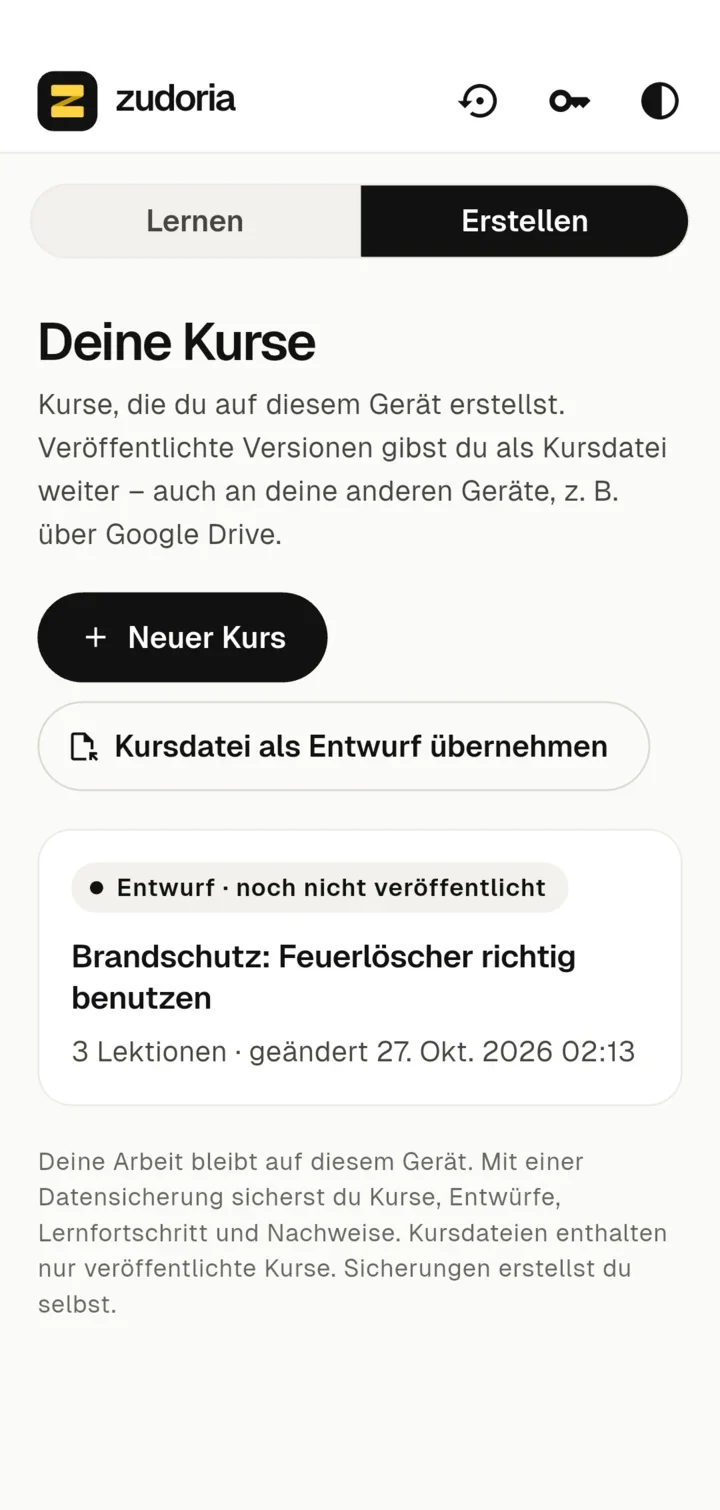
Trim clips, add titles and record a voice-over: you do all of it on the device.
You open imported lessons in the Viewer, even without a connection. Progress and certificates stay with you.
Share a finished lesson as a file with colleagues, trainees or customers. Zudoria charges no course fee for local sharing.
You put your lesson together from videos, texts and overlays, step by step.
Trim and join clips, add titles and text overlays, record a voice-over: all in the app.
You share a finished lesson as a file. Zudoria charges no course fee for sharing course files locally.
Open imported lessons in the Viewer and learn wherever you are. Progress and certificates stay with you.
Record the clips you want to show, or choose existing videos.
In the Studio, you trim, add titles and texts and record your explanation.
Share the lesson as a file with colleagues, trainees or customers.
Everyone learns with it in the Viewer, even without a connection.
Zudoria is aimed at learners and teachers aged 16 and over.
The app speaks your language, and your course content stays exactly as you wrote it.
After the trial, a personal perpetual licence applies to Studio and Viewer, which you can restore on your own supported Android devices.
You can access content, progress, certificates, export and backup at any time.
You can use the software for 30 days of use. After that, you unlock Studio and Viewer with a one-off purchase of the personal perpetual licence.
The licence covers the software. Anyone offering learning material sets the rights and any prices for it themselves.
Yes. You edit lessons and learn on the device. Purchasing and restoring the licence require an internet connection.
At zudoria.com, the app’s website.
We developed Zudoria ourselves, from the first idea to its own website. That’s exactly how we build apps for your company: for training, for your team on the road or for an idea that doesn’t exist yet.