
Only the target device can read it
Every transfer is encrypted for the chosen device and signed by the sender. Once it’s been opened, it’s locked.

Products · Apps
The password lives in the password manager on your laptop. But you need it on the tablet, on the server or on your phone. WithinCells sends passwords, API keys and recovery codes to exactly the device you choose, via QR code or Bluetooth. No account, no cloud and no shared network required.
Every transfer is encrypted for the chosen device and signed by the sender. Once it’s been opened, it’s locked.
On Linux and Windows, WithinCells types the received content straight into the active window.
The QR code carries the encrypted transfer itself. If you like, your phone can also connect to the paired computer as a Bluetooth keyboard.
On Android, the WithinCells keyboard enters the content once into the app you want.
Every transfer is valid only for the selected target device and is signed by the sending device.
The QR code carries the encrypted transfer itself. Where supported, it travels via Bluetooth between paired devices.
An expiry time and replay protection make sure the target device opens a transfer only once.
On Android, the WithinCells keyboard enters the content once into the app you want, bypassing the clipboard.
If you like, Android and Linux can connect to a paired computer as a Bluetooth keyboard and type the password there.
On Linux and Windows, WithinCells types the received content into the active window.
Install WithinCells on both devices and pair them once. Both show the same security code so you can compare.
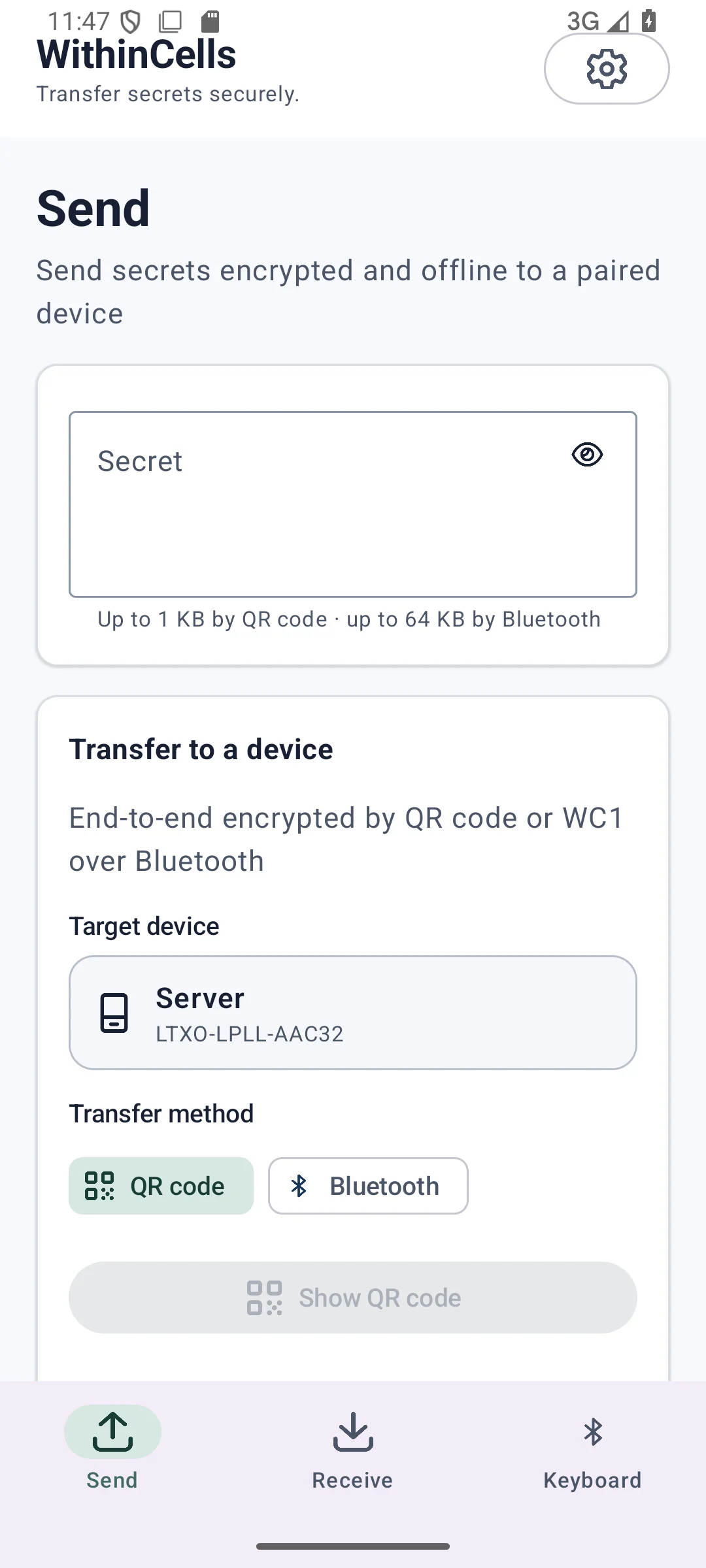
Under “Send”, choose the target device and enter the confidential text.
The target device scans the QR code or receives the transfer via Bluetooth.
The content is entered once, and then the transfer is locked.
WithinCells only handles the last mile: getting from the device that has the password to the device that needs it.
The handover happens between your paired devices, with no service in between and no schukai account.
Set up servers, commission a system at a customer’s site or hand over credentials for a project, without reading passwords out loud.
You can use WithinCells Community for Android privately and in your company.
Available on Google Play, for direct transfers between your paired devices.
WithinCells on Google PlayThe desktop edition is available as a public preview. Try it out with test data and tell us what you notice.
Download the desktop previewTeam adds organisation features: a device list, signed policies, encrypted backup of the admin key and signed audit exports that exclude the transferred content. We’re currently preparing version 1.0 for Android and Linux.
Notify me about WithinCells TeamNo. You pair your devices directly with each other.
Android via Google Play, plus Linux and Windows as a preview.
Short confidential texts: passwords, API keys, recovery codes and the like.
Confidentially to security@schukai.com – please always use test values instead of real credentials.
Tell us how your team shares credentials today. We’ll get in touch as soon as Team 1.0 is ready and show you how it works.
WithinCells
This contract version is intended for forthcoming app offers. It does not automatically change existing agreements. Additional offers apply only when actually offered and separately agreed.